
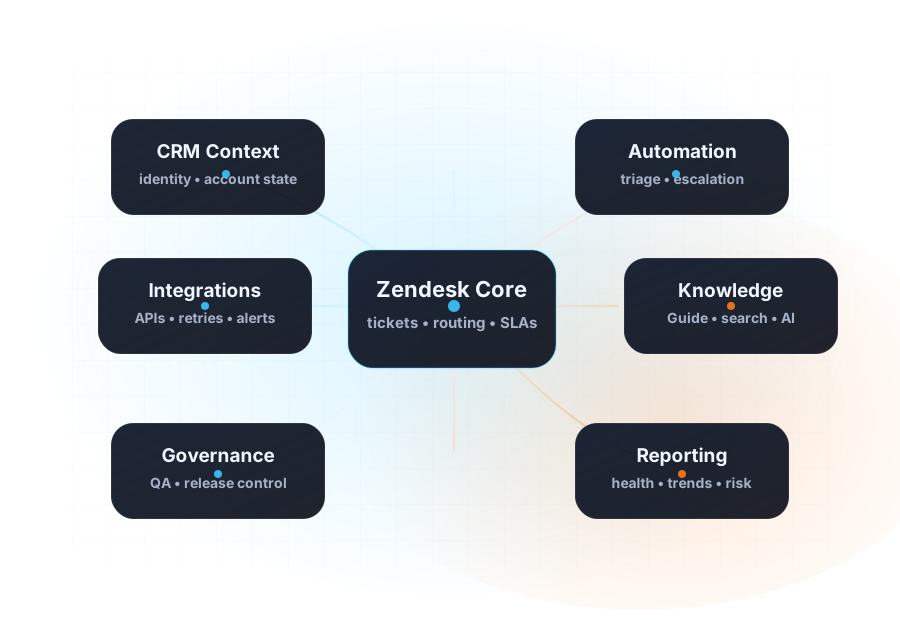
MAP
Zendesk reporting and analytics
Current-state map
Document the workflows, owners, data dependencies, and points where the support operation is creating avoidable work.
Clean up Explore, operational dashboards, QA scorecards, and leadership reporting so decisions are based on queue health, customer impact, and delivery reality.
Document the workflows, owners, data dependencies, and points where the support operation is creating avoidable work.
Separate urgent issues, structural debt, and low-risk quick wins so the next phase has a defensible order.
Turn the review into phased recommendations, acceptance criteria, owners, and handoff notes.
Define the checks, rollback expectations, and production gates needed before changes reach agents or customers.
Clarify who maintains the workflow, documentation, metrics, and future changes after launch.
Connect the work to reporting signals that leadership and operators can actually use.
Collect the real queues, channels, automations, reports, handoffs, and constraints.
Define the future workflow, ownership model, governance, and delivery order.
Package the work so implementation, training, or optimization can start without guessing.
Use QA, reporting, and documentation to keep the system from drifting.
Start here when the operating model or implementation risk is still unclear.
Open Architecture Review ->Move from review to controlled Zendesk build, rebuild, migration, or launch work.
Open implementation ->Review scope and budget shape before a larger delivery phase.
Open pricing ->Take the free five-minute assessment to score baseline quality, outcome measurement, evaluation, review ownership, and the operating controls needed after launch.